See the network
Explore stops and live vehicle positions on the map. Filter by bus, train, ferry or tram, then narrow the view to selected routes.
 Brisbane Transit Live
BRISBANE & SOUTH EAST QUEENSLAND
See public transport around you, check the next departure, and follow a vehicle’s trip — all in one iPhone and iPad app.
In preparation · Not yet available on the App Store
See how it works Contact supportBuses · Trains · Ferries · Trams
LESS GUESSWORK AT THE STOP
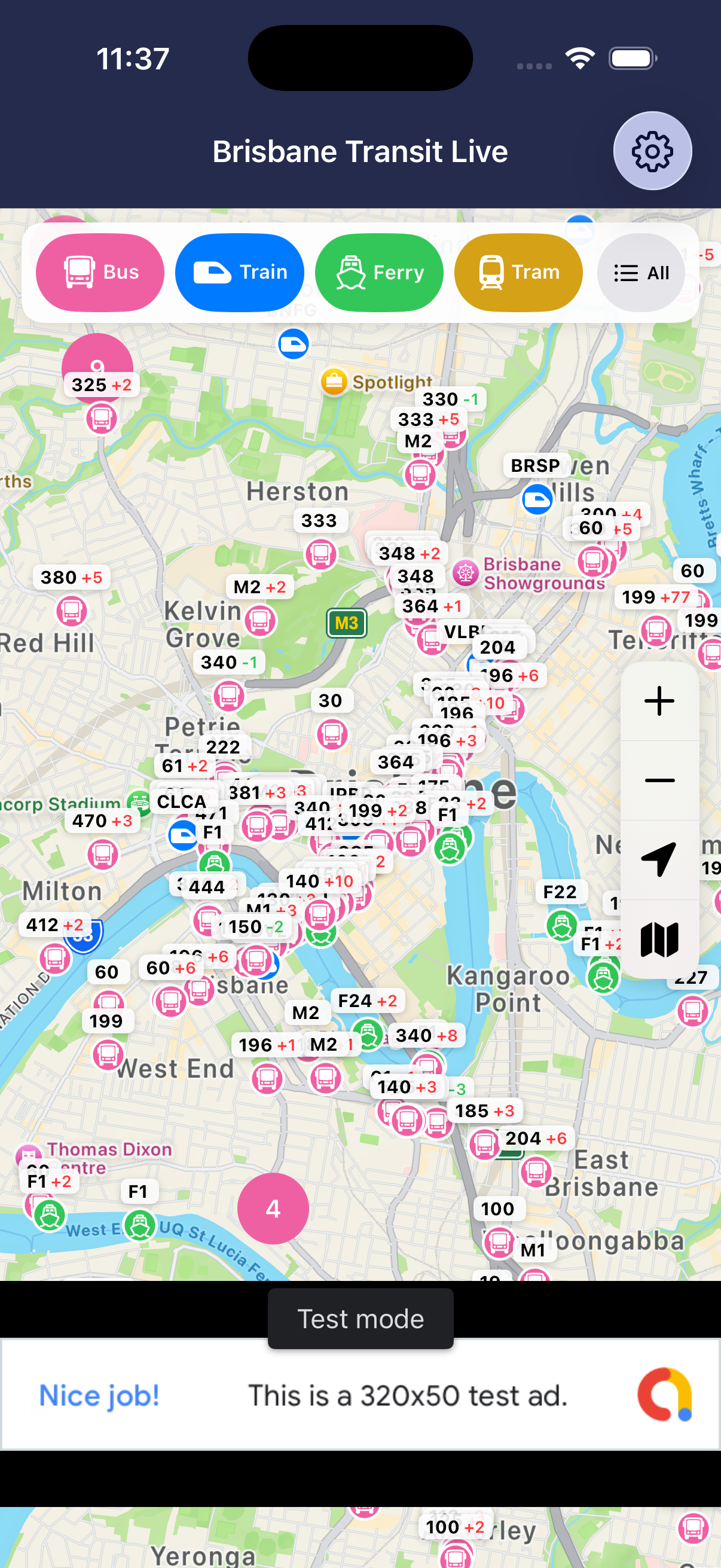
Explore stops and live vehicle positions on the map. Filter by bus, train, ferry or tram, then narrow the view to selected routes.
Open a stop’s departure board to see upcoming services, scheduled times, available live predictions and relevant service alerts.
Select a vehicle to view its trip timeline and route on the map, with available delay and cancellation information.
HOW IT WORKS
The app saves public timetable data on your device. Saved schedules work offline. It checks the official source daily while open, and you can request an update in Settings.
Vehicle positions, trip updates and alerts come from Translink’s real-time feeds. Live vehicles and predictions need internet access; availability depends on the feed and the service.
Explore the map without granting location access. If you choose to enable it, the app can show your position. No app account is required.
View the privacy policy, refresh timetables and manage applicable advertising consent. The app includes advertising; tracking permission is controlled in iOS Settings.
FOUR WAYS TO MOVE
Buses, trains, ferries and trams across Brisbane and South East Queensland.
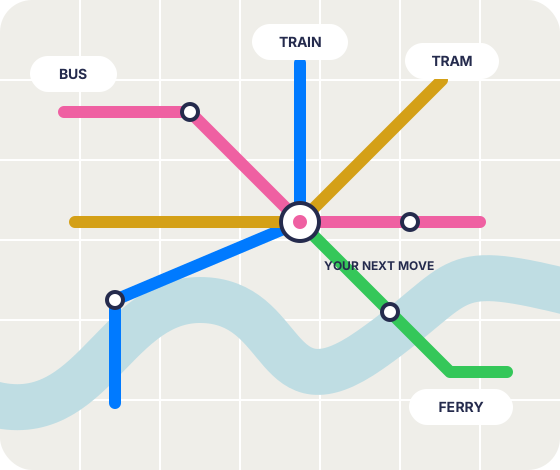
Original network illustration. Not a geographic route map.
HERE TO HELP
Send your app version, iOS version, and the stop or route involved. Please avoid including sensitive personal information.
Email support